

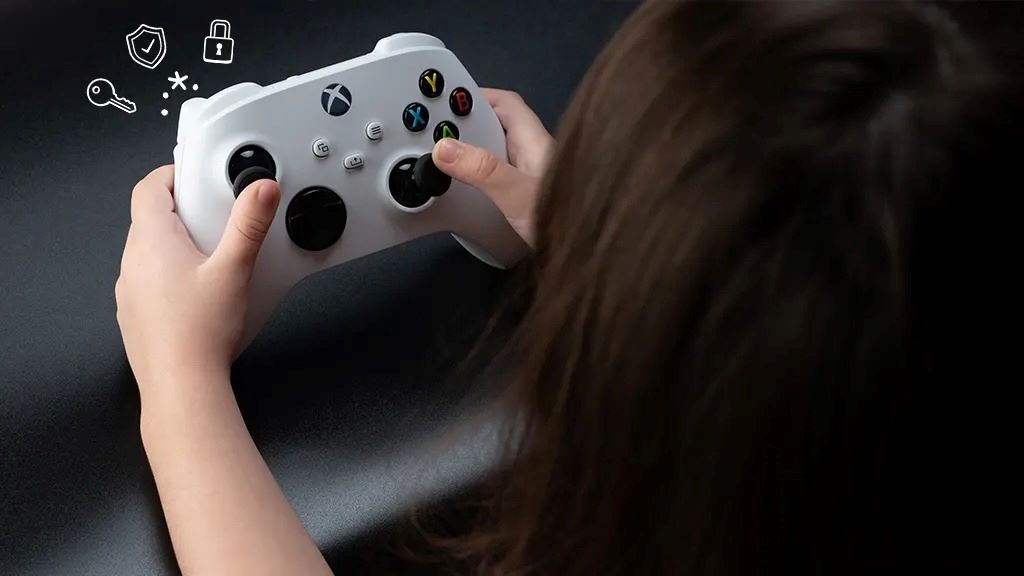
In today’s digital age, gaming consoles are a staple in many households. While they offer entertainment and educational value, they also expose children to potential online risks. Setting up secure parental controls is essential to ensure a safe gaming environment for your kids.
Why Parental Controls Matter
According to the ESRB, parental controls allow you to manage your child’s video game use, even when you’re not around. They help block games by rating, control spending, limit playtime, and restrict online communication. Toxigon+12ESRB Ratings+12PCMAG+12
However, it’s important to note that no system is foolproof. As digital parenting coach Elizabeth Milovidov emphasizes, communication and empowering children to make smart decisions are crucial. The Guardian
Setting Up Parental Controls on Popular Consoles
Xbox Series X|S and Xbox One
-
Create a Child Account: Use the Microsoft Family Safety app to set up individual profiles.Parents+8Lifewire+8PCMAG+8
-
Content Restrictions: Block games based on ESRB ratings.ESRB Ratings+1Lifewire+1
-
Screen Time Limits: Schedule daily or weekly playtime.Lifewire+1ESRB Ratings+1
-
Online Communication: Restrict who your child can interact with on Xbox Live.Lifewire
-
Purchase Controls: Require a PIN for purchases to prevent unauthorized spending.
PlayStation 5 and PlayStation 4
-
Family Management: Access via the console or PlayStation app.
-
Age Level for Games: Set age restrictions to block inappropriate content.
-
Communication and User-Generated Content: Restrict messaging and content sharing.
-
Monthly Spending Limits: Control how much your child can spend on the PlayStation Store.
Nintendo Switch
-
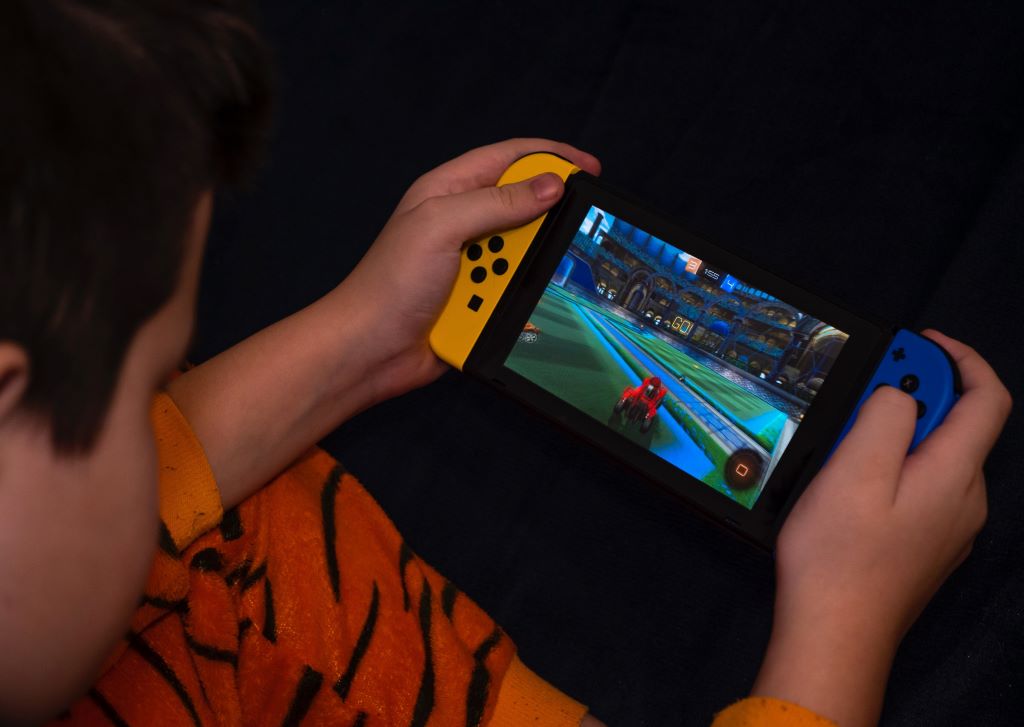
Parental Controls App: Download the Nintendo Switch Parental Controls app on your smartphone.
-
Play-Time Limits: Set daily playtime and receive activity reports.
-
Restricted Software: Block games based on age ratings.
-
Communication Restrictions: Limit communication with others online.
Expert Tips for Effective Parental Controls
-
Use Strong Passwords: Ensure your parental control settings are protected by robust passwords.
-
Regularly Update Settings: As your child grows, adjust the settings to match their maturity level.
-
Educate Your Child: Discuss the importance of online safety and responsible gaming habits.
-
Monitor Activity: Use available apps to keep track of your child’s gaming activities.
-
Balance Screen Time: Encourage offline activities to promote a healthy lifestyle.
Common Mistakes to Avoid
-
Over-Restricting: Being too strict can lead to frustration and rebellion.
-
Ignoring Online Interactions: Monitor who your child interacts with during online gaming sessions.
-
Neglecting Updates: Regularly check for software updates that may affect parental control settings.
Featured Snippet: How to Set Up Parental Controls on a Gaming Console
Q: How can I set up parental controls on my child’s gaming console?
A: To set up parental controls, start by creating individual child accounts on the console. Use the console’s settings or dedicated apps to restrict content based on age ratings, set screen time limits, and control online interactions. Regularly monitor your child’s gaming activity and adjust settings as they grow. Remember, open communication with your child about online safety is just as important as technical restrictions.
FAQs
Q1: Can I set different restrictions for each of my children?
A: Yes, most consoles allow you to create individual profiles with customized settings for each child.
Q2: What if my child tries to bypass the parental controls?
A: Maintain open communication about the importance of these controls and regularly monitor their activity.
Q3: Can I monitor my child’s gaming activity remotely?
A: Yes, many consoles offer apps that let you track and adjust settings from your smartphone.
Q4: How do I handle in-game purchases?
A: Set up purchase restrictions requiring a PIN or password to prevent unauthorized spending.
Q5: What should I do if I forget my parental control password?
A: Each console has a recovery process, usually involving security questions or a recovery code.
Q6: Are there third-party tools for additional control?
A: Yes, apps like Qustodio and Bark offer extensive monitoring and filtering options.
Q7: How often should I review the parental control settings?
A: Regularly, especially as your child grows and their gaming habits change.Lifewire+6Toxigon+6Toxigon+6
Conclusion
Setting up secure parental controls on gaming consoles is a proactive step in ensuring your child’s safety online. By combining technical restrictions with open communication and regular monitoring, you create a balanced and secure gaming environment. Stay informed, stay involved, and remember that your guidance is the most effective tool in your child’s digital life.
Read More: The Power of Data Visuals Influence Decision-Making